The role, mapped
The posting is four jobs stapled together. Knowing which hat you're wearing — and who you answer to in each — is half the job.
User support
Property + corporate users. Desktops, printers, mobile, accounts. You're the face of IT — service mindset is graded as hard as technical skill.
AV & events
Meeting rooms, live music, weddings, art programming. Evenings and weekends live here. Vendors, artists, and production teams are your counterparts.
Hospitality systems
PMS, POS, events, accounting. You keep them running, configure users, run updates, and manage the vendors who actually own the code.
Web & digital
Sites, hosting, DNS, SSL. Mostly maintenance + vendor coordination, occasionally hands-on front-end fixes.
Your escalation map
| Issue type | You own it | Escalate to |
|---|---|---|
| Password reset, printer, desktop, peripherals | Fully — resolve and document | — |
| AD permissions beyond standard groups, server changes | Diagnose, propose | Director of IT |
| PMS/POS software bugs, licensing, upgrades | First-line triage, reproduce, gather logs | Vendor support (with Director looped in) |
| ISP circuit down, phone trunk down | Verify it's truly the carrier (bypass test) | Carrier — have the circuit ID ready |
| Large event AV beyond house kit | Coordinate, patch into house system | External AV production company |
7:45am: front desk agent can't log in ("account locked"). 9:00am: sales manager's Outlook won't open. 10:30am: a printer in accounting jams and then goes offline. 1:00pm: tonight's private event host asks for a mic check and HDMI to the ballroom screen. 3:30pm: Silverware terminal in the café freezes mid-service. None of these are hard individually — the job is triage: what's revenue-blocking (POS during service, check-in at rush) beats what's annoying (one person's Outlook). Log everything in the ticket system as you go, not at 5pm from memory.
Ticket hygiene — the habit that builds your reputation
- Every request becomes a ticket, even hallway asks. "Can you quickly…" = "let me log that so it doesn't get lost."
- Write tickets so the Director can read the queue and know property health at a glance: symptom → impact → what you tried → current status → next step.
- Close the loop with the user in plain language. "The print spooler service had crashed; restarted it and printed a test page. Come back to me if it recurs" beats "fixed."
- Recurring issues are gold: three tickets about the same terminal = one root-cause investigation + a recommendation to the Director. That's the "identify recurring issues and recommend practical improvements" line of your JD.
Desktop Support & Active Directory
This is the bread and butter: a Windows/AD shop with property-level and corporate users. Your goal is to be fast, calm, and to know exactly which of the five usual suspects is guilty.
Active Directory — the mental model
| Concept | What it is | When you touch it |
|---|---|---|
| Domain / DC | The security boundary; domain controllers authenticate everyone | If a DC is down, logins fail everywhere — check this first on "nobody can log in" |
| OU | Folder for users/computers; GPOs link here | New hires go in the right OU or their policies won't apply |
| Security group | Grants access to shares, printers, apps | "I can't open the S: drive" = group membership, 90% of the time |
| GPO | Pushed configuration: drive maps, printers, password policy, lockdown | gpupdate /force + gpresult /r when settings aren't applying |
| DNS (on the DC) | AD is DNS-dependent | Wrong DNS on a workstation = can't find the domain = weird everything |
The daily moves (GUI + PowerShell)
# Unlock an account + reset password (AD module)
Unlock-ADAccount -Identity jsmith
Set-ADAccountPassword -Identity jsmith -Reset -NewPassword (Read-Host -AsSecureString)
Set-ADUser jsmith -ChangePasswordAtLogon $true

# Where is this user locked out from? (find the source device!)
Get-ADUser jsmith -Properties LockedOut,LastBadPasswordAttempt,BadLogonCount

# Group membership
Get-ADPrincipalGroupMembership jsmith | Select Name
Add-ADGroupMember -Identity "GG-FrontDesk" -Members jsmith

# Workstation-side essentials
gpupdate /force          # re-pull group policy
gpresult /r              # what actually applied, and from where
whoami /groups           # what the logged-in token contains
klist purge              # stale Kerberos tickets after group changes
An account that re-locks every few minutes after you unlock it means a saved old credential somewhere is retrying: a phone's mail profile, a mapped drive with stored creds (cmdkey /list), a scheduled task, or a second logged-in session on another machine. Find the source in the DC security log (event 4740 shows the caller computer name) — don't just keep unlocking.
Troubleshooting playbooks
"I can't log in"
- Locked vs wrong password vs expired — check the account in ADUC first, it's 20 seconds.
- One user or many? Many = DC, network, or DNS problem, not the user.
- Caps lock / keyboard layout at the kiosk-style front desk machines. Genuinely common.
- Machine trust broken? "The security database on the server does not have a computer account…" → rejoin the domain (
Test-ComputerSecureChannel -Repairfirst, it's less disruptive). - Profile issues (logs in, desktop is blank/temp) → check for
.bakin ProfileList registry key, don't rebuild the profile as step one.
"The printer isn't working"
- Define "not working": no output, error message, wrong printer, garbage output, offline?
- Can anyone else print to it? Yes = user's machine (spooler, driver, default printer). No = the printer or its queue.
- Ping the printer's IP. No reply → power/network (check the switch port). Reply → open its web page, read the console: paper, toner, jam.
- Server queue stuck? Clear it: stop Spooler, empty
C:\Windows\System32\spool\PRINTERS, start Spooler. - Hospitality wrinkle: receipt and report printers at the desk are often USB or serial to the PMS workstation, not networked — different rules, check cable and Windows "ports" tab.
"My computer is slow"
- Slow at what — boot, one app, everything, the network? Get a specific reproducible action.
- Task Manager: CPU/RAM/disk pegged? An old HDD at 100% disk is the classic; an SSD swap is the fix, note it for the refresh list.
- Slow "everything web" = DNS or network, not the PC.
pingthe gateway then 1.1.1.1 then a name. - Check uptime — 47 days without a reboot on Windows explains a lot. Reboot, then judge.
- Recent change? Updates, new agent/AV software, new GPO. Correlate before you blame the hardware.
"I can't get to the shared drive"
- Error text matters: "access denied" (permissions) vs "network path not found" (connectivity/DNS) vs credential prompt (stale creds,
cmdkey). net useto see current maps; try mapping by IP vs by name to split DNS from SMB issues.- Group changes need a logoff/logon (or
klist purge) to take effect — tell the user this before they test.
Setup & imaging discipline
- Keep a golden checklist per role (front desk, accounting, sales): domain join → OU → groups → printers → PMS/POS clients → Office sign-in → test login as the user.
- Standard local admin strategy: LAPS (or Windows LAPS via Intune) — never one shared local admin password across the fleet.
- Label assets and record them: hostname convention like
DRK-FD-01(property-area-number) makes tickets and AD tidy.
Hotel Networking
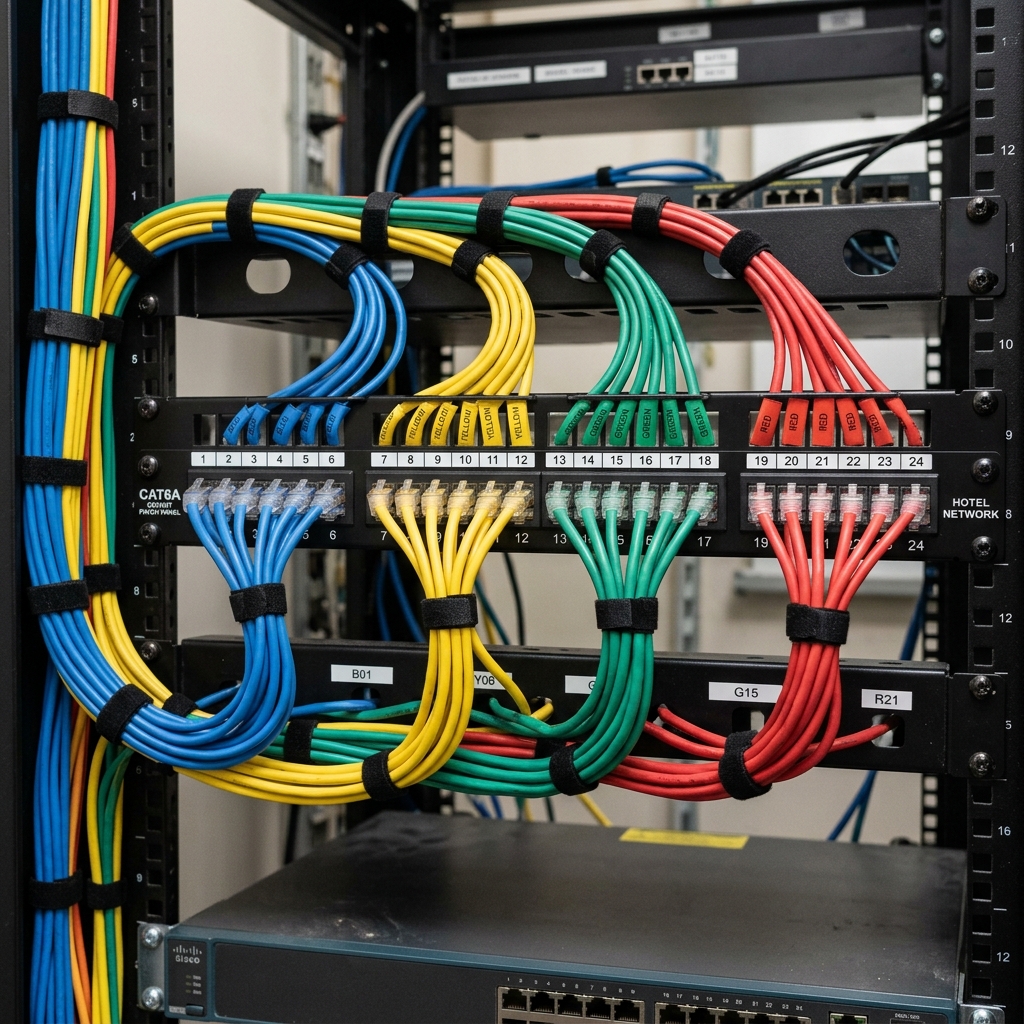
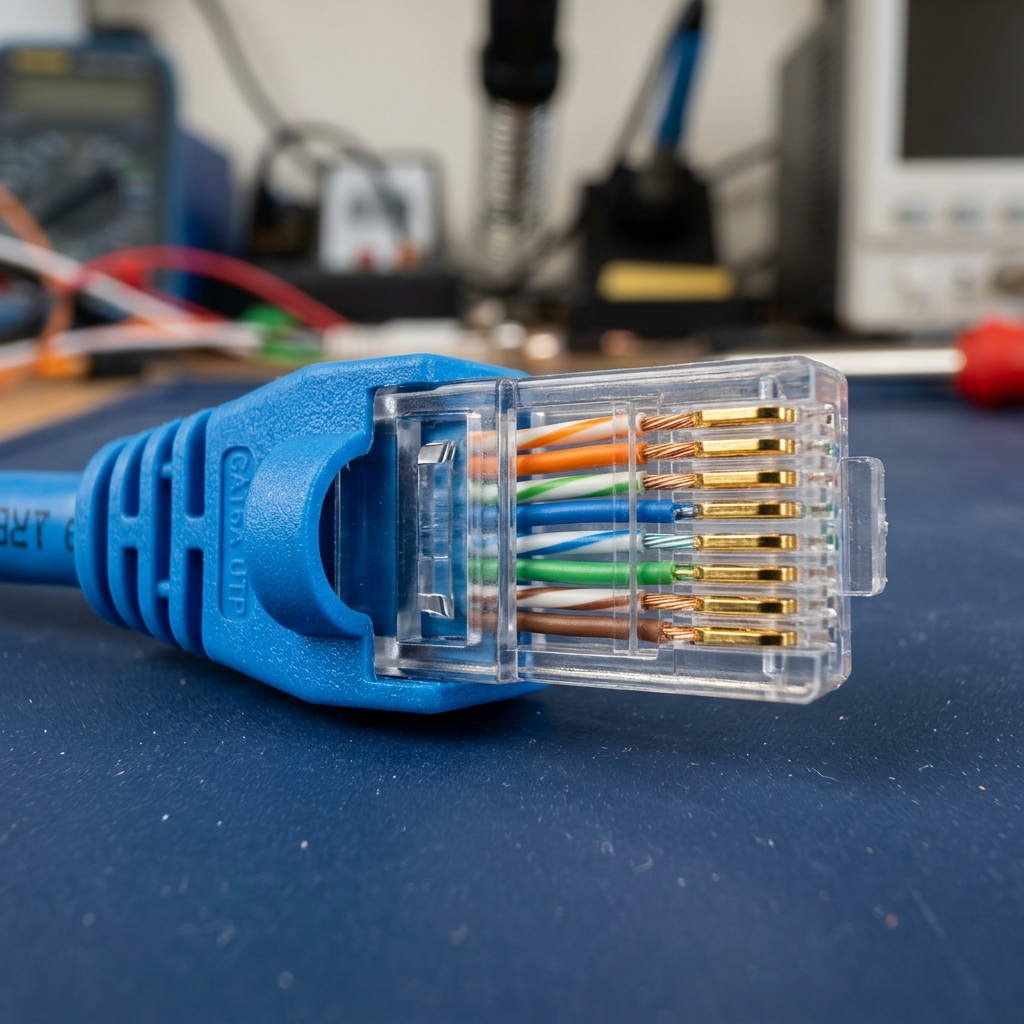
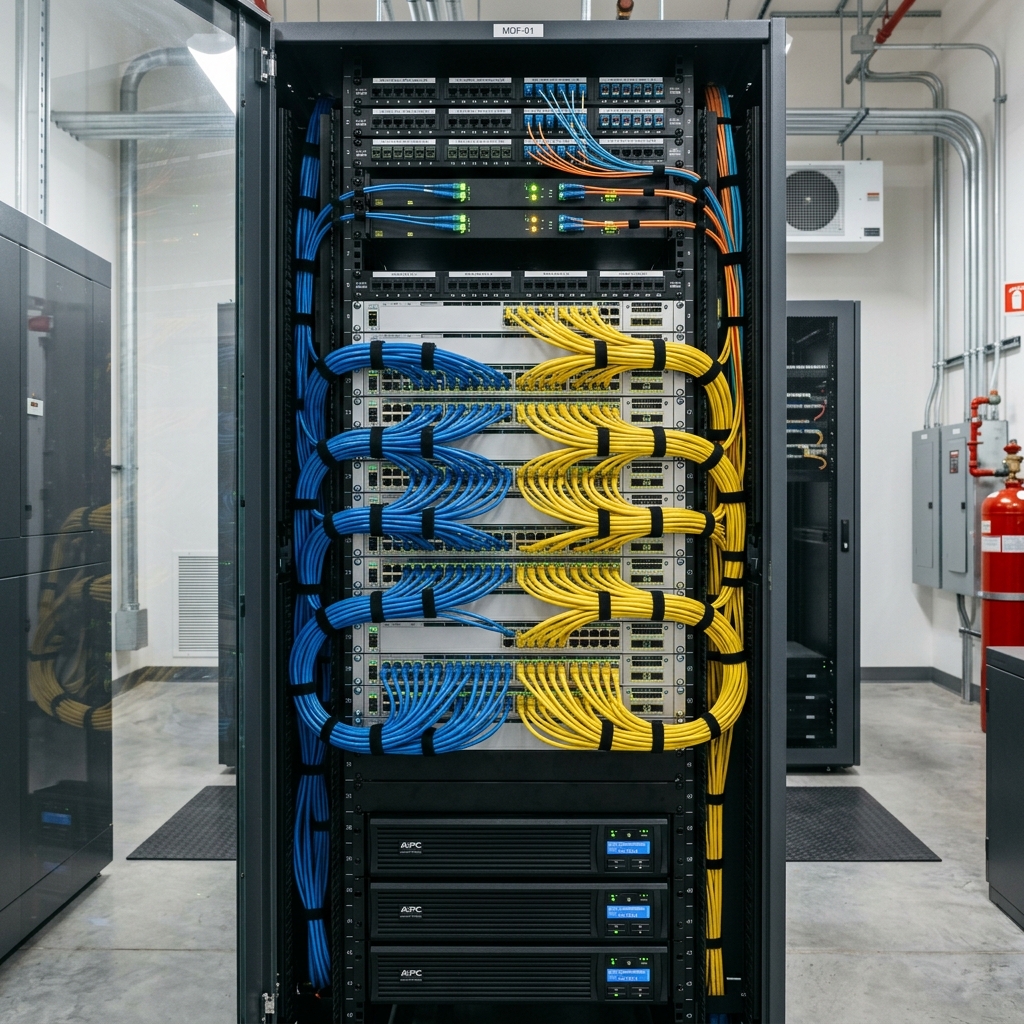
The full deep-dive lives in its own page: Property Network Handbook → — 23 sections covering VLANs, Wi-Fi design, HSIA, Mitel voice, PoE, firewalls, troubleshooting trees, and sizing calculators. Below is the working summary you should know cold.
The five ideas that solve most tickets
1 · Segmentation is sacred
Guests, staff, PMS, POS, voice, cameras all live on separate VLANs. If a guest device can reach the POS, that's a PCI incident, not a convenience.
2 · Name the layer
Link light (L1) → right VLAN (L2) → can ping gateway (L3) → port open (L4) → service running (L7). Walk up the stack; don't guess.
3 · DNS wears the mask
"The internet is down" is often just DNS. ping 1.1.1.1 works but ping google.com fails = DNS, and on a domain that means check the DC.
4 · Wi-Fi ≠ WAN
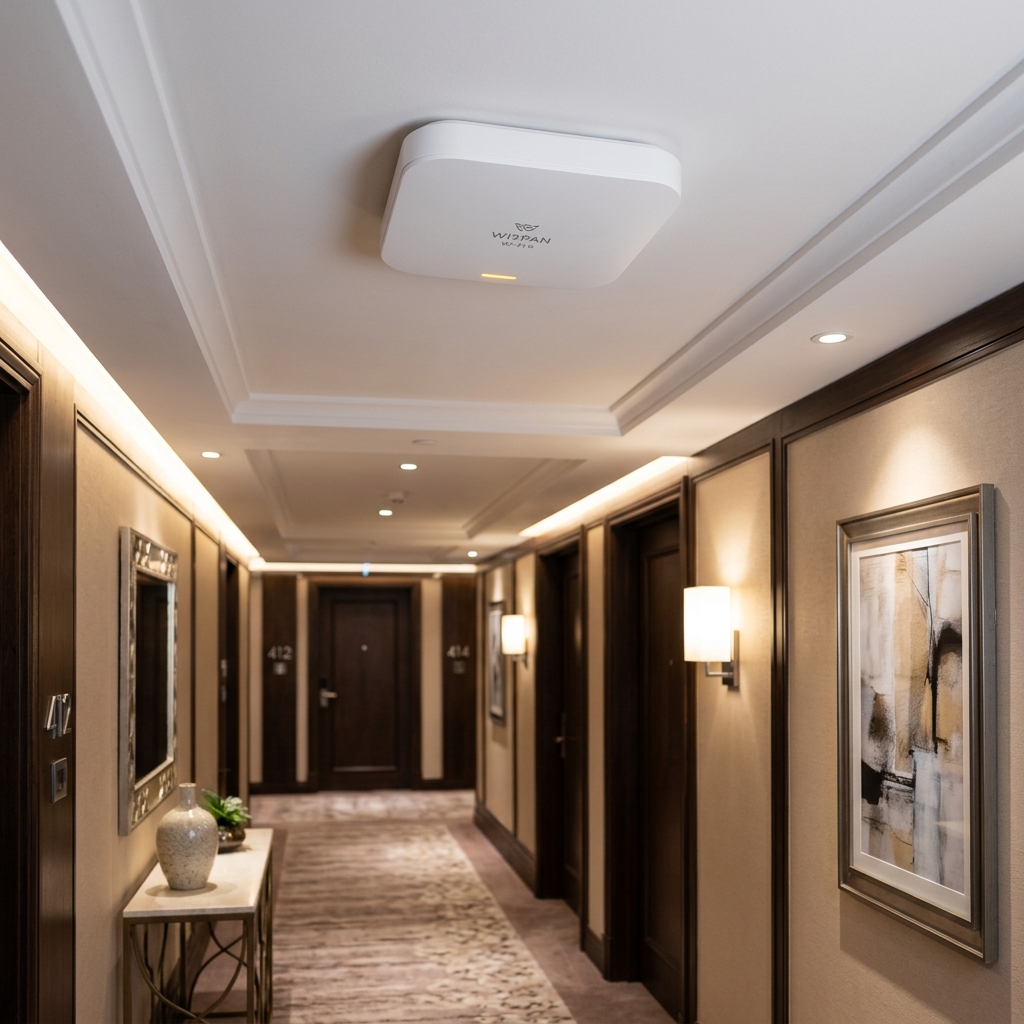
Guests reporting "slow Wi-Fi" are usually on a congested radio, not a saturated circuit. Check AP client counts and RF before blaming the ISP.
5 · PoE is a budget
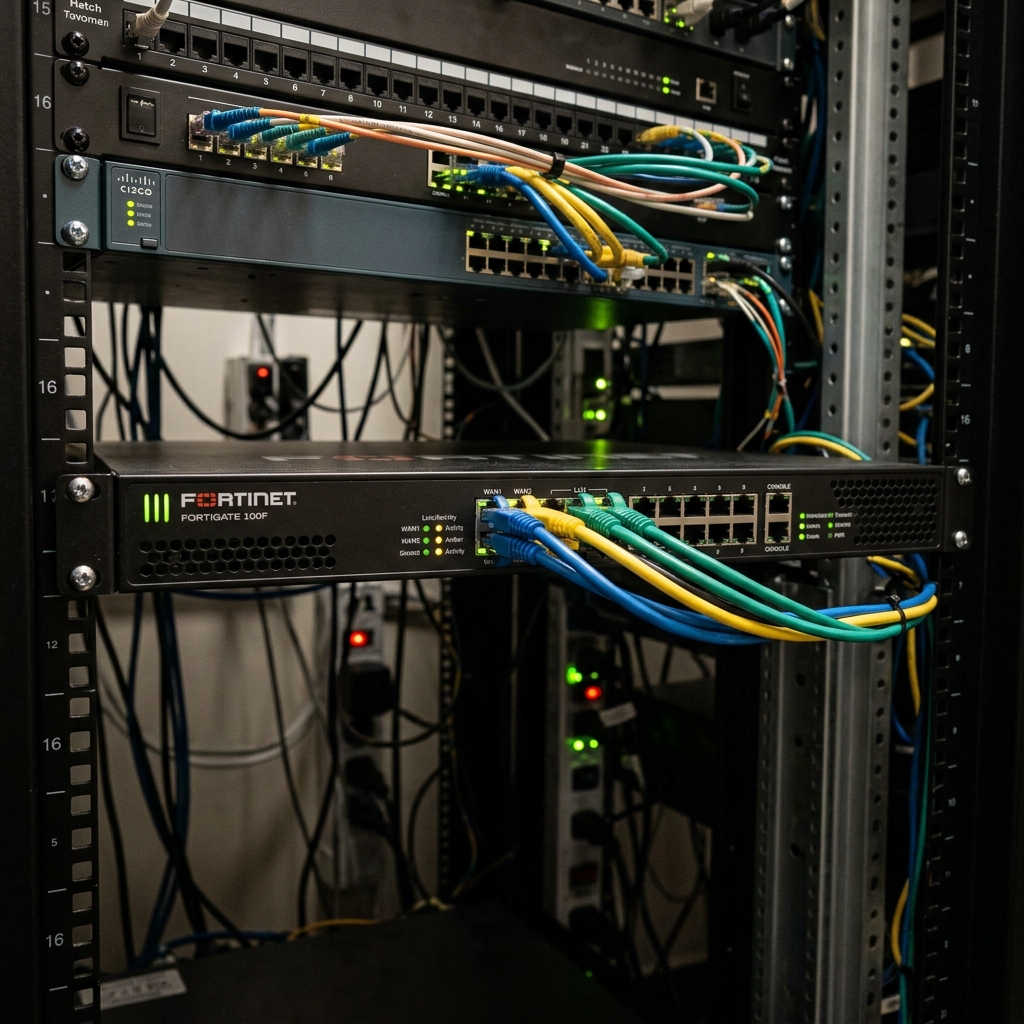
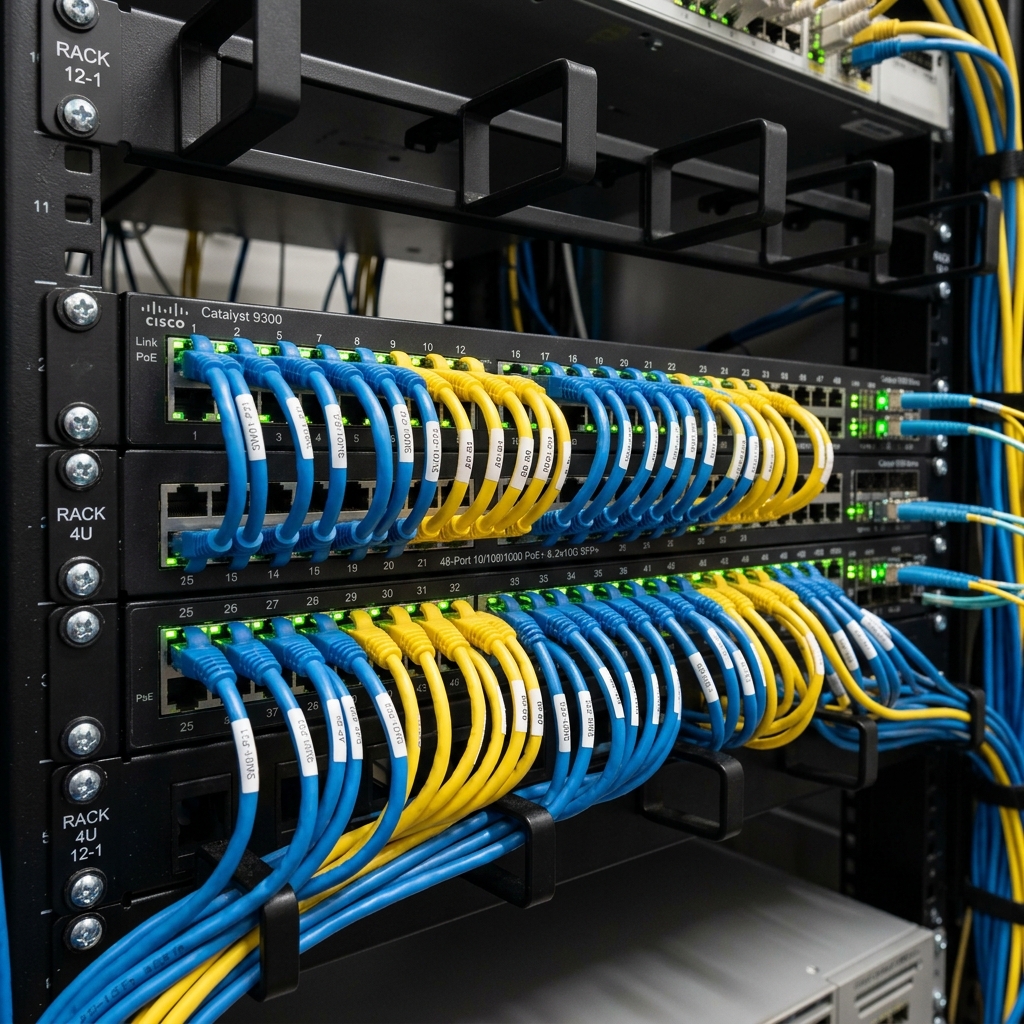
APs, phones, and cameras all draw from the switch's PoE budget. A "dead" AP after adding cameras may just be an exhausted budget.
The 2am triage sequence
# From any Windows machine on the staff VLAN
ipconfig /all                # do I have a real IP, right gateway, right DNS?
ping <gateway>               # can I leave the subnet?
ping 1.1.1.1                 # does routing + WAN work?
nslookup google.com          # does DNS work?
tracert 8.8.8.8              # where does it die?
Test-NetConnection pms-server -Port 3389   # is a specific service reachable?
Memorize (or wallet-card) the property's: gateway IPs per VLAN, DNS servers, public IP block, ISP circuit ID + support number, and the management IPs of the firewall, core switch, and HSIA gateway. During an outage, looking these up costs the minutes that matter.
AV & Event Technology
The Drake runs live music, weddings, corporate buyouts, art programming, and daily meetings. AV is where this role differs from a normal help-desk job — and where evenings and weekends come from. The core skill is signal flow: if you can trace the path from source to output, you can fix almost anything in the room.
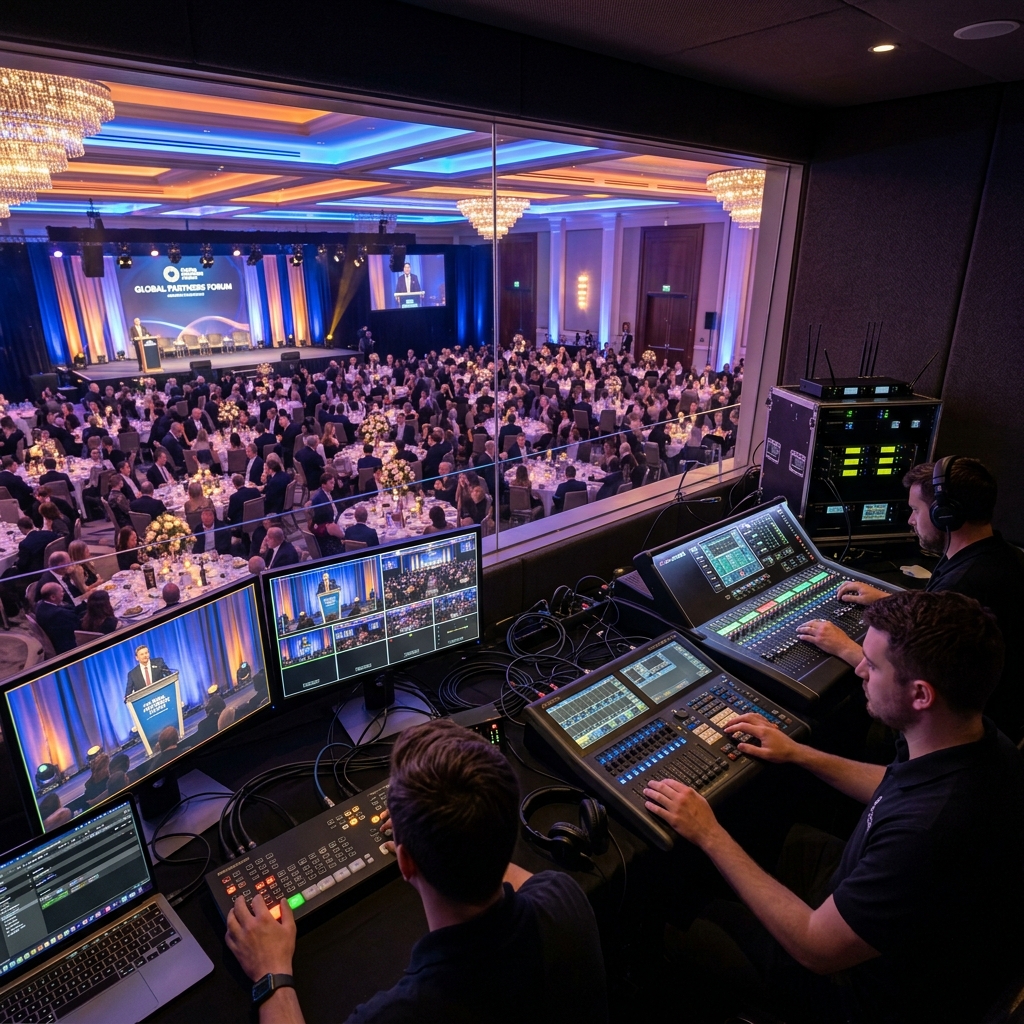
Audio signal flow — the one diagram to internalize
Signal levels & gain structure
| Level | Roughly | Comes from | Needs |
|---|---|---|---|
| Mic level | ~ -50 dBu (tiny) | Microphones | Preamp (the mixer's gain knob) · XLR balanced |
| Instrument level | ~ -20 dBu | Guitars, keyboards | DI box to convert to balanced mic level |
| Line level | +4 dBu (pro) / -10 dBV (consumer) | Laptops, DJ gear, playback | Line input; DI box for long runs or hum |
| Speaker level | Amplified | Amp outputs | Speaker cable (never plug into anything else) |
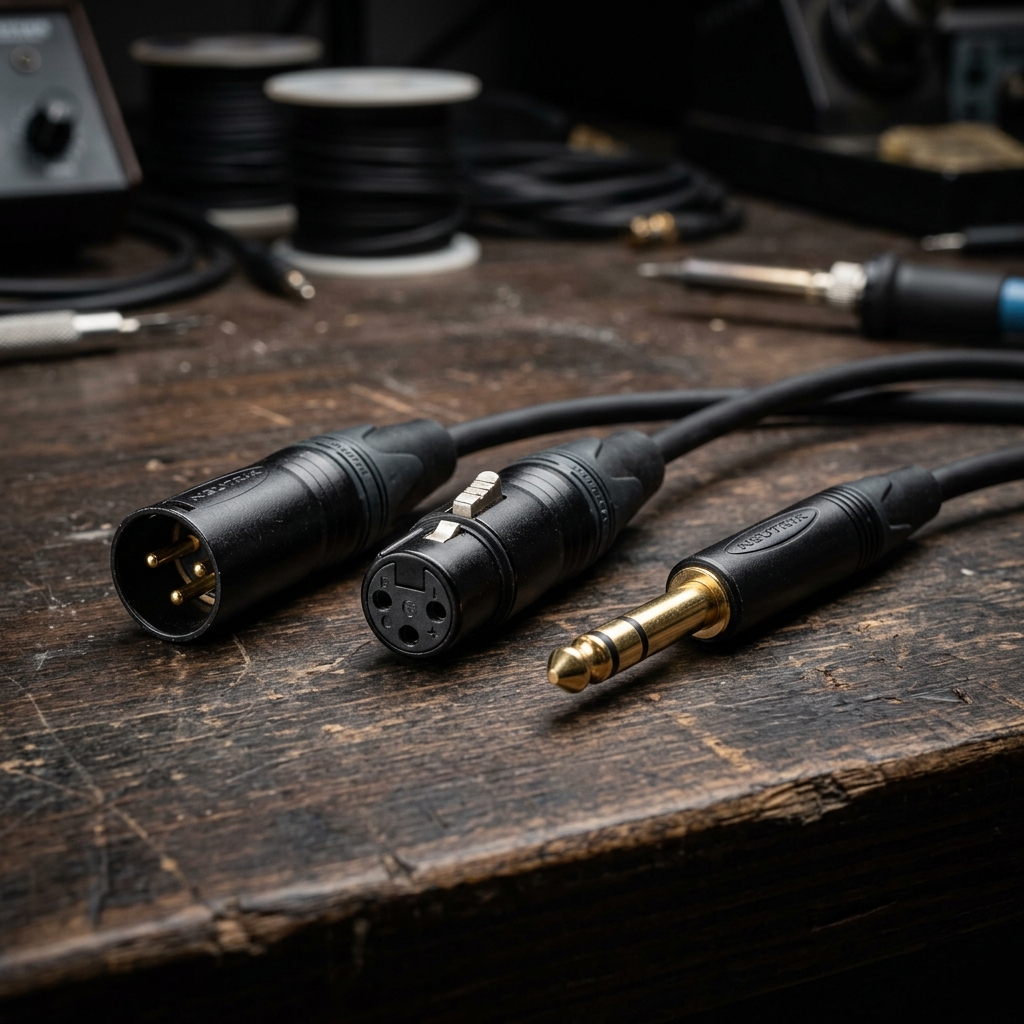
Connectors you'll touch weekly
XLR
Balanced audio, locks in place. Mics, mixer I/O, DMX lighting (don't mix the cables — DMX is 110Ω). Balanced = long runs without hum.
¼" TRS / TS
TRS = balanced line/headphones. TS = unbalanced instrument. Visually: two rings vs one.
RCA & 3.5mm
Consumer unbalanced. Fine for short runs; hum magnets over distance. Keep DI boxes and ground-lift handy.
HDMI
Video+audio, EDID handshake, HDCP copy protection. Most "no signal" mysteries are handshake problems — reseat, power-cycle display, try another input.
HDBaseT (Cat6)
HDMI over category cable up to ~70–100m via TX/RX baluns. How ballroom projectors are usually fed. If video drops: check both baluns' link lights.
SDI / NDI / Dante
Pro video coax / video-over-IP / audio-over-IP. Know they exist; production vendors bring them. Dante needs its own VLAN with QoS.
Microphones — choosing and not embarrassing anyone
- Dynamic (SM58 type) — rugged, handles loud sources, needs no power. Default for speeches and vocals.
- Condenser — sensitive, detailed, needs +48V phantom power from the mixer. Podiums, instruments, boardroom ceiling mics. Never hot-plug with phantom on the monitors up.
- Wireless — handheld or lavalier + bodypack. Fresh batteries every event (or charged pack), do a walk-test of the whole room, and keep spare batteries at the podium. Coordinate frequencies if multiple units — modern systems auto-scan.
- Lav/headset mics for presenters who move; handhelds for Q&A and toasts (people hold them at their waist — coach them: "chin level, close").
That ringing howl = a mic hearing its own speaker in a loop. Immediate: pull the channel fader down, then bring it back slowly. Structural fixes: mic behind the speakers' coverage, mic closer to the mouth (then less gain needed), cut the ringing frequency on EQ, fewer open mics. Never solve feedback by walking the mic in front of the mains.
Video & displays
- Resolution/EDID: the display tells the source what it accepts. Adapters and long chains corrupt this handshake — carry known-good HDMI cables and a USB-C/HDMI adapter kit for presenter laptops.
- HDCP: protected content (streaming apps) won't pass through non-compliant splitters/switchers — "it works with my slides but Netflix is black" is HDCP.
- Projectors: know lamp/laser hours, keystone vs lens shift (lens shift is always better), and the aspect ratio of the screen. 16:9 deck on a 4:3 screen = letterbox, tell the presenter beforehand.
- Confidence checks: before any event — source to screen, sound from the actual playback device, mic walk-test, and a phone-in test for hybrid meetings.
- Conferencing rooms (Teams/Zoom): camera, mic and speaker device selection inside the app is the #1 failure. Know the room system's "default device" behaviour after reboots.
Event-day run sheet
The best man's phone won't play the slideshow sound through the PA. Trace it: phone → 3.5mm adapter → DI box → mixer channel 8. Channel meter shows nothing. The phone's output? Playing (screen shows audio). The adapter? Swap it — meters jump. It was a broken lightning-to-3.5mm dongle. Lesson: the failure is almost always at the cheapest link in the chain, and you carry spares of exactly those: dongles, 3.5mm cables, batteries, HDMI. Total fix time with spares: 90 seconds. Without: a very long walk to the office.
Documentation you should build
- Per-room one-pagers: what's installed, how signal flows, default settings photo, "reset to standard" steps. Laminate one per rack.
- Inventory: every mic, cable count, DI boxes, adapters — with a checkout habit for events.
- Standard configs: mixer scene/preset saved per room per common layout (meeting / band / DJ / ceremony).
Hospitality Systems
These platforms run the business. You won't own their internals — vendors do — but you own uptime, users, interfaces, and first-line triage. Understanding the guest-money flow tells you what's critical when.
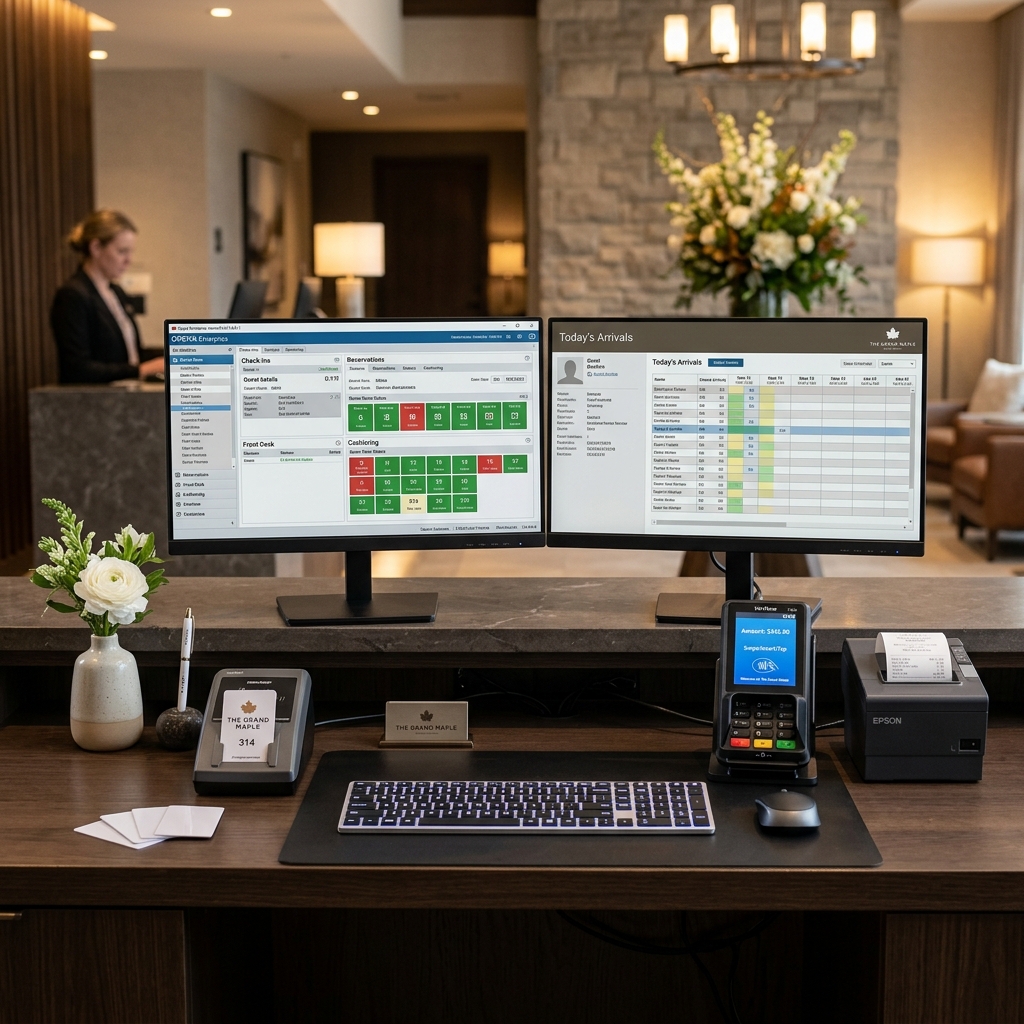
How the systems connect
Oracle OPERA PMS — what to actually learn
- The guest lifecycle: reservation → check-in (room assigned, key cut, phone enabled, Wi-Fi entitled) → charges accumulate on the folio → check-out (folio settled, everything revoked).
- Night audit: the nightly batch (~2–4am) that closes the business day: posts room & tax, reconciles, rolls the date. If interfaces or printers fail during audit, tomorrow starts broken — night auditor calls are real and urgent.
- Interfaces:
OXI(OPERA Exchange Interface — reservations/CRS/channel data) andIFC/FIAS(property devices: HSIA, PBX, locks, POS, movies). These run as services on an interface server/PC. Know where that machine is and what runs on it — it's the most important PC in the building. - Your admin surface: user accounts & permission roles, terminal/workstation setup, report scheduling, printer mapping (folio printers, registration cards, key packets).
- Cloud vs on-prem: OPERA Cloud is browser-based (your issues: browser versions, SSO, printing, network); on-prem V5 means an application server on property (your issues: services, database backups, Windows patching windows).
Front desk reports every new key fails on doors, at 4pm on a Friday. Existing guests' keys work — so doors and locks are fine; the problem is encoding. Check: encoder powered and connected? Interface service running on the interface PC? (Restart it — most vendors bless this.) Can the desk cut a key from the lock-vendor's standalone utility as a workaround? Notify the Director, open a vendor ticket with timestamps, and give the desk the manual fallback (physical/master key escort) while you work. Pattern: old keys OK + new keys fail = interface/encoder; one door fails = that lock; all keys fail everywhere = lock server or clock drift.
Silverware POS
- Restaurant/café/bar terminals: menu items, modifiers, checks, splits, tips, end-of-day batch. Terminals are usually Windows-based touchscreens on their own VLAN.
- Your jobs: user/server setup with correct permission levels, menu item changes (per manager request), receipt/kitchen printer troubleshooting, terminal recovery, and the PMS room-charge interface.
- Kitchen printers die from grease, heat and steam. Carry spare paper, know how to re-point a printer to a backup, and check the network drop behind the line before condemning hardware.
- End-of-day batch settles the payment terminals. Batch failures = money problems = morning escalation from accounting. Learn what the batch report should look like when healthy.
- During service, a dead terminal is a revenue outage. Fastest fix wins: reboot terminal → check network drop → move staff to an adjacent terminal → then diagnose properly after rush.
Tripleseat (events) & Sage (accounting)
- Tripleseat is cloud event/booking management: leads, BEOs (banquet event orders — read these, they contain your AV requirements!), contracts, invoices. Your role: user admin, integration questions, and pulling the BEO before every event you support.
- Sage 300/Accpac: accounting. Your role: workstation client installs, printing, the nightly PMS revenue export, backups, and coordinating version upgrades with the vendor. Accounting month-end is a bad time for maintenance — learn the finance calendar.
Payment terminals & PCI basics
- Terminals talk to the processor over their own network path — isolated VLAN, whitelisted destinations only. P2PE (point-to-point encryption) means card data is encrypted in the pinpad; the property network never sees clear card numbers.
- Never plug a payment terminal into a guest-reachable jack. Never take card numbers over the phone onto a sticky note (this creates PCI scope and audit findings).
- Daily failure modes: terminal offline (network/power), "comms error" at batch (processor path), pinpad tamper warnings (call the processor — do not attempt to open).
- Inspect terminals periodically for skimmers/tampering — seals intact, no extra devices inline. It's a required PCI practice and takes two minutes.
M365 · Entra ID · Intune
Most hotel shops today are hybrid: on-prem AD for the property, Entra ID + M365 for mail, files, and Teams, often synced via Entra Connect. This track is both job-practical and the on-ramp to SC-300.
The hybrid identity picture
Practical admin you'll do in month one
| Task | Where | Gotcha |
|---|---|---|
| New hire mailbox + license | M365 admin center / Entra | If synced from AD, create on-prem first; license via group-based licensing if set up |
| Password reset (cloud) | Entra admin center | Synced accounts: reset on-prem unless password writeback is enabled |
| MFA problems / new phone | Entra > user > authentication methods | Delete old method, issue Temporary Access Pass to re-enroll cleanly |
| Shared mailbox / distro list | Exchange admin center | Shared mailboxes need no license under 50GB; delegate via full access + send-as |
| Company phone/laptop setup | Intune | Enrollment profile + compliance policy; check device shows compliant before promising CA access works |
| Sign-in "why was it blocked?" | Entra sign-in logs | The failure reason + which Conditional Access policy applied is all in the log — read it before guessing |
Almost every "I can't get into my email" cloud ticket is answered by Entra's sign-in logs: wrong password vs MFA denied vs CA policy blocked vs risky sign-in vs stale token. Location, device, app, and the exact policy that failed are all there. Habit: logs first, theory second.
SC-300 — Identity & Access Administrator
SC-300 certifies you can run Microsoft Entra ID: identities, authentication, app access, and identity governance. It's the perfect cert for this role — everything on it maps to real Drake work. Passing score 700/1000, ~40–60 questions, case studies included.
Exam domains & weight
| Domain | Weight | Core topics |
|---|---|---|
| 1 · Implement & manage user identities | 20–25% | Tenants, users/groups, external (B2B) identities, hybrid identity & Entra Connect/Cloud Sync |
| 2 · Implement authentication & access management | 25–30% | MFA, passwordless, SSPR, password protection, Conditional Access, Identity Protection, device identity, PIM & role management |
| 3 · Plan & implement workload identities and app access | 20–25% | Enterprise apps, app registrations, SSO (SAML/OIDC), app consent & permissions, Defender for Cloud Apps basics, managed identities |
| 4 · Plan & implement identity governance | 25–30% | Entitlement management (access packages), access reviews, lifecycle workflows, PIM deep-dive, monitoring with logs & workbooks |
Concepts you must be able to explain cold
Conditional Access — the heart of the exam
CA policies are if-then statements evaluated at sign-in: assignments (who/what/where — users, apps, conditions like location, device platform, risk) → access controls (block, or grant with requirements: MFA, compliant device, hybrid-joined, app protection).
- All conditions in a policy must match (AND); multiple grant controls can require one or all.
- Multiple matching policies: all apply — the most restrictive combined result wins. Block beats everything.
- Always exclude a break-glass account from every policy — memorize this, it's asked constantly.
- Report-only mode tests impact without enforcement; the What If tool simulates a sign-in.
- Named locations, sign-in risk & user risk (needs P2), session controls (sign-in frequency, app-enforced restrictions).
PIM — Privileged Identity Management
- Just-in-time role activation: users are eligible for a role and activate it for a limited window, optionally with approval, MFA, and justification.
- Assignment types: eligible vs active; permanent vs time-bound.
- Covers Entra roles, Azure resource roles, and groups (PIM for Groups).
- Access reviews of role assignments; alerts for standing privileged access. Requires P2.
Entitlement management & access reviews
- Access packages bundle groups + apps + SharePoint sites; users (including B2B guests via connected organizations) request them; policies define approvers, expiry, and reviews.
- Catalogs hold the resources; delegated catalog owners can manage without global rights.
- Access reviews: periodic recertification of group/app/role membership; reviewers can be self, managers, or chosen users; auto-apply removes denied users.
- Lifecycle workflows: joiner/mover/leaver automation (e.g., pre-hire welcome tasks, leaver access removal).
Authentication methods & hybrid sync
- Password hash sync (PHS — recommended default), pass-through auth (PTA), federation. Know when each is required.
- Passwordless: Windows Hello for Business, FIDO2 keys, Authenticator passkeys. Temporary Access Pass for onboarding.
- SSPR: authentication methods, registration policy, writeback for hybrid.
- Entra Connect vs Cloud Sync (lightweight, agent-based, multi-forest scenarios).
- Licensing gates worth memorizing: P1 = CA, group licensing, SSPR writeback; P2 = Identity Protection risk policies, PIM, access reviews, entitlement management.
App registrations vs enterprise apps
- App registration = the blueprint (your tenant defines the app: redirect URIs, secrets/certs, API permissions).
- Enterprise application = the service principal — the instance in a tenant that you assign users to and apply CA to.
- Delegated vs application permissions; admin consent; consent policy hardening (block user consent for unverified apps).
- SAML SSO configuration: identifier, reply URL, claims mapping, certificate rollover.
8-week study plan (evenings-friendly)
Identities & hybrid
MS Learn SC-300 path modules on user identities + hybrid. Build your dev tenant; create users, groups, dynamic groups; install Entra Connect concepts (lab the cloud parts).
Authentication & Conditional Access
MFA, SSPR, passwordless, then live in Conditional Access: build the classic policy set (require MFA for admins, block legacy auth, require compliant device for M365) in report-only. Use What If daily.
Apps & workload identities
Register an app, configure SAML SSO for a gallery app, wrangle consent. Understand managed identities conceptually.
Governance
PIM end-to-end (make yourself eligible, activate with approval), access package with an approval policy, an access review that auto-applies. This domain is heavily weighted — don't skim it.
Review & practice exams
MeasureUp/practice assessments until consistently 80%+. Re-lab every weak area. Book the exam — a date makes it real.
Web Platforms
You're not the web developer — but you are the person who answers "the website is down" at 8am. That means DNS, SSL, hosting, and WordPress literacy, plus knowing when it's the vendor's problem and how to prove it.
DNS records — the working set
| Record | Maps | Hotel example |
|---|---|---|
A / AAAA | name → IPv4/IPv6 | thedrake.ca → 203.0.113.10 (the web host) |
CNAME | name → another name | www → thedrake.ca, booking widget subdomains → vendor |
MX | mail destination | → Microsoft 365 (*.mail.protection.outlook.com) |
TXT | verification & mail auth | SPF (who may send), DKIM (signing), DMARC (policy) — wrong = hotel email lands in spam |
NS | who answers for the zone | Registrar vs DNS host vs web host can be three different vendors — map them once |
# Prove where the problem is in 60 seconds
nslookup thedrake.ca             # does the name resolve, and to what?
nslookup thedrake.ca 1.1.1.1     # same answer from public DNS? (splits local vs global)
ping / tracert to that IP        # is the host reachable?
curl -I https://thedrake.ca      # status code + headers + cert handshake
SSL/TLS in practice
- Certificates expire. The classic outage is a forgotten renewal — calendar every cert (site, booking pages, captive portal) 30 days ahead, or confirm auto-renew (Let's Encrypt/managed hosting) is actually working.
- Cert must match the exact name:
thedrake.caandwww.thedrake.caboth need coverage (SAN or wildcard). - "Mixed content" warnings after a site edit = an
http://asset on anhttps://page — vendor fix, but you can identify it in DevTools console in seconds.
WordPress care & feeding
- Stack: typically Linux + Apache/Nginx + MySQL + PHP at a managed host. Know which host, how to reach the control panel, and where backups live before anything breaks.
- Updates: core/theme/plugins monthly on a schedule — after a backup, ideally on staging. Abandoned plugins are the #1 compromise vector.
- Security basics: no
adminusername, MFA on wp-admin, limit login attempts, keep PHP version current with host support. - White screen / 500 after an update: usually a plugin/PHP conflict — host error logs name the file; disabling the plugin via the hosting file manager (rename its folder) restores the site.
- Uptime monitoring: a free checker (UptimeRobot-style) pinging the site + booking path, alerting your phone, turns "a guest told us" into "we knew first."
Marketing switched newsletter vendors and now even normal replies land in guest junk folders. Check the TXT records: the new vendor was never added to the SPF record and doesn't sign with DKIM, so DMARC fails. Fix: add the vendor's include to SPF (mind the 10-lookup limit), enable DKIM signing in the vendor's dashboard with the CNAMEs they provide, wait for TTL, verify with a mail-tester tool. This exact ticket appears in every business that touches its own DNS.
First 30 / 60 / 90 days
Absorb, document, fix small things fast
- Full property + closet tour; photograph every rack.
- Vendor sheet, credential vault, and network documentation located or started.
- Own the ticket queue; be visibly responsive — reputation forms in month one.
- Shadow: one night audit, one event setup, one POS end-of-day.
- Start SC-300 weeks 1–2.
Standardize and de-mystify
- Per-room AV one-pagers and mixer presets saved.
- Machine-setup golden checklists per role; asset inventory current.
- Certificate + domain + license renewal calendar.
- Uptime monitoring on web + key internal services.
- SC-300 weeks 3–5 (Conditional Access era).
Recommend and deliver one visible win
Hotel IT Incident & Ticket Simulator
Step into the shoes of the IT/AV Support Specialist at Drake Hotel. Test your diagnostic skills against 5 real-world property incidents. Gather evidence, run terminal commands, and select the correct fix.
Ticket #104: Key Encoder Link Fault at 7:15 AM Check-out Peak
Hospitality / PMSFront Desk Agent reports: "New check-in keys fail on guest room doors. Encoder light is flickering amber."
Flashcard trainer
Tap a card to flip. Cycle by category — do ten a day with coffee. Decks cover ports, AD, AV, hospitality, and SC-300.